Zero-downtime deployments
Deploy without the downtime.
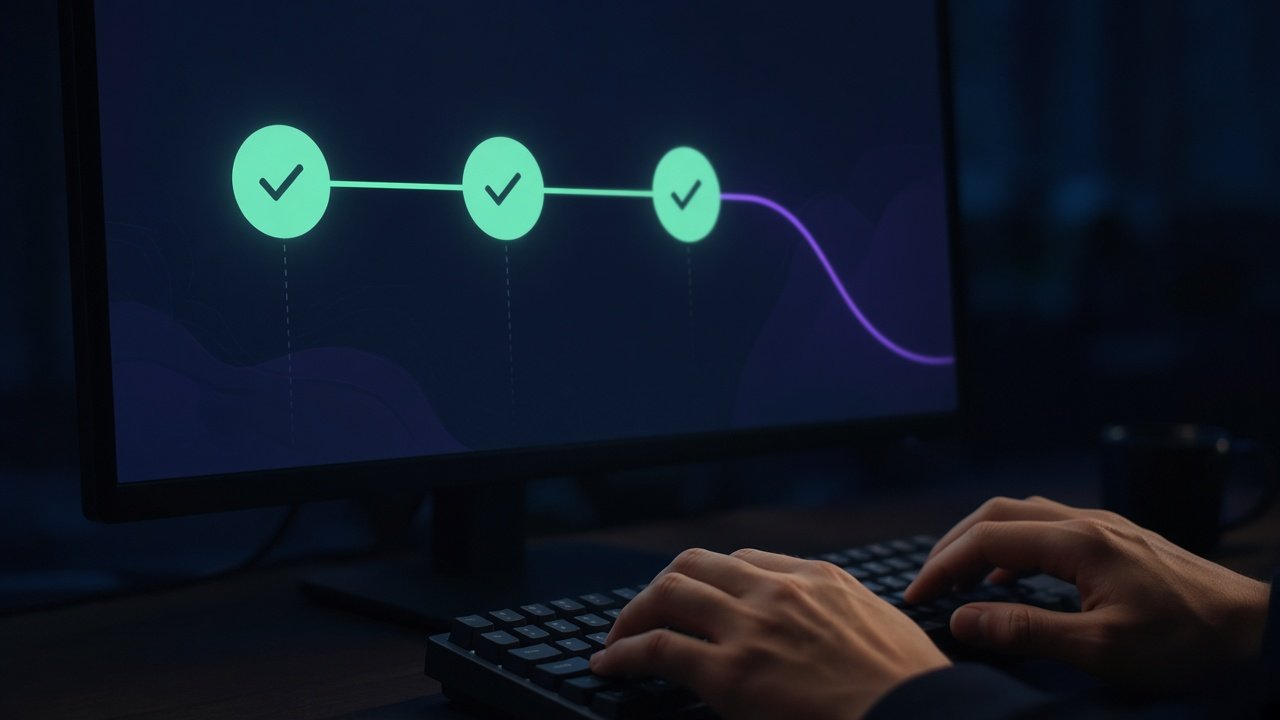
Every release is built in its own folder and switched live in one atomic step. If the healthcheck fails, PlainShip rolls back for you.

Before & after
What changes on day one
 Without PlainShip
- git pull on a live directory
- Users hit half-updated files
- Rollback means re-deploying old code by hand
- Secrets copied around in .env files
 With PlainShip
- A fresh folder for every release
- One symlink switch makes it live
- One click (or a failed check) restores the last release
- Secrets injected from the encrypted vault
How it works
Four steps, no agents
-
Connect your repository
GitHub, GitLab, Bitbucket, Gitea or any HTTPS Git server — or a local folder.
-
Build the release
Install and build commands run inside the new release folder.
-
Check its health
An HTTP healthcheck confirms the app is ready before traffic moves.
-
Go live — or roll back
The current symlink flips, or the previous release is restored.
apps:
  web:
    targets: web
    deploy_path: /var/www/web
    keep_releases: 5
    source: { type: git, repo: https://github.com/acme/web.git, ref: main }
    shared: { dirs: [storage, uploads] }
    commands:
      install: npm ci --omit=dev
      build: npm run build
    healthcheck: { url: http://127.0.0.1:3000/health, retries: 10 }
    rollback_on_failure: true
Popular with
Teams that use this every day
 StartupsShip daily. Stay small.

 AgenciesEvery client. One calm dashboard.

 DevOps teamsChange the whole fleet. Calmly.
 Configuration management