
On your servers
- OpenSSH reachable from PlainShip
- bash
- A user PlainShip can log in as
- Git, systemd or sudo only if a job uses them
How it works
PlainShip is a hosted dashboard that talks to your servers over plain SSH. Here is what happens at each step, and what it needs from you.
Step 01
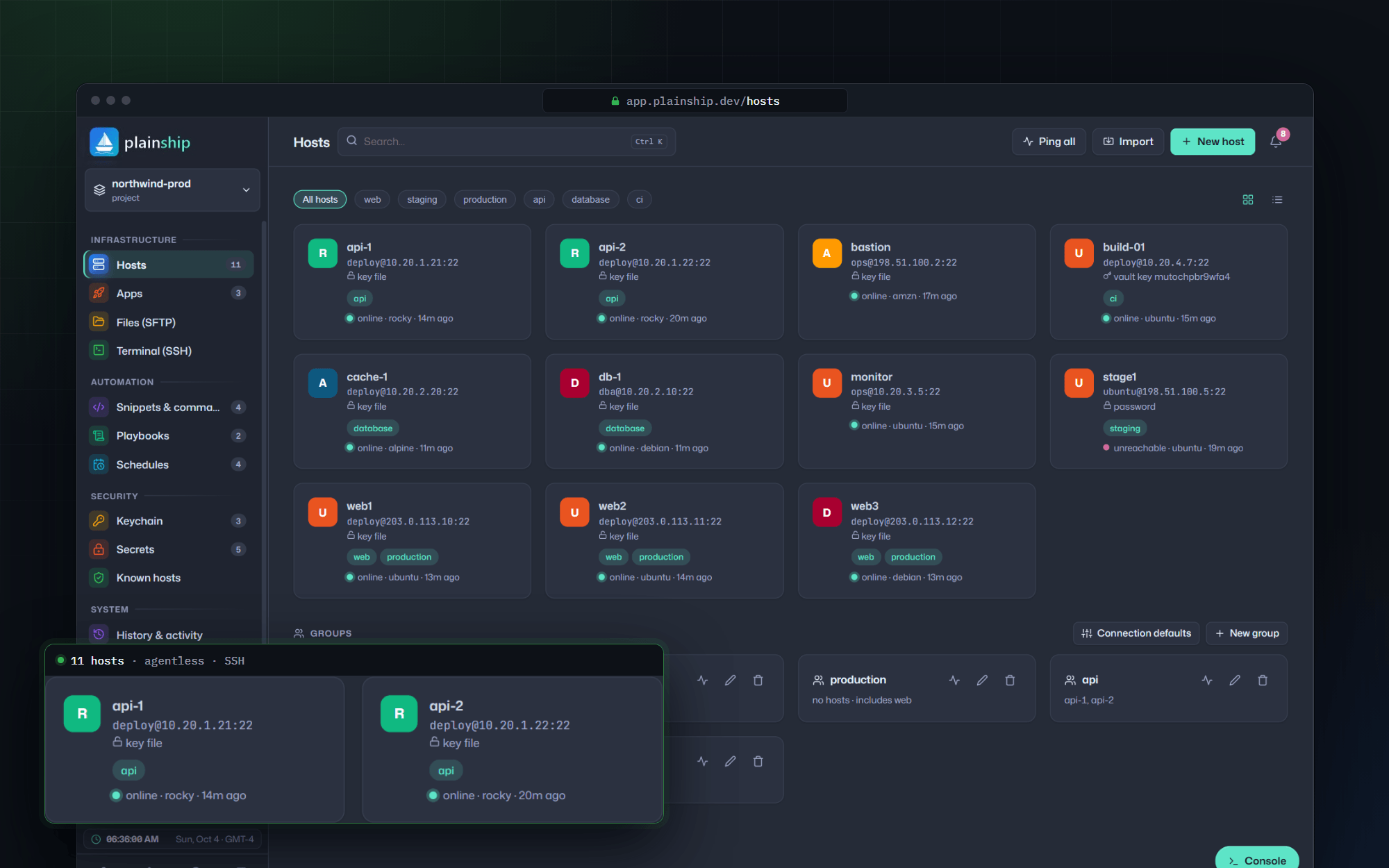
Add a server with its address, user and key. PlainShip checks the connection and the OS, then lists the host with its groups and tags. Nothing is installed.
Step 02
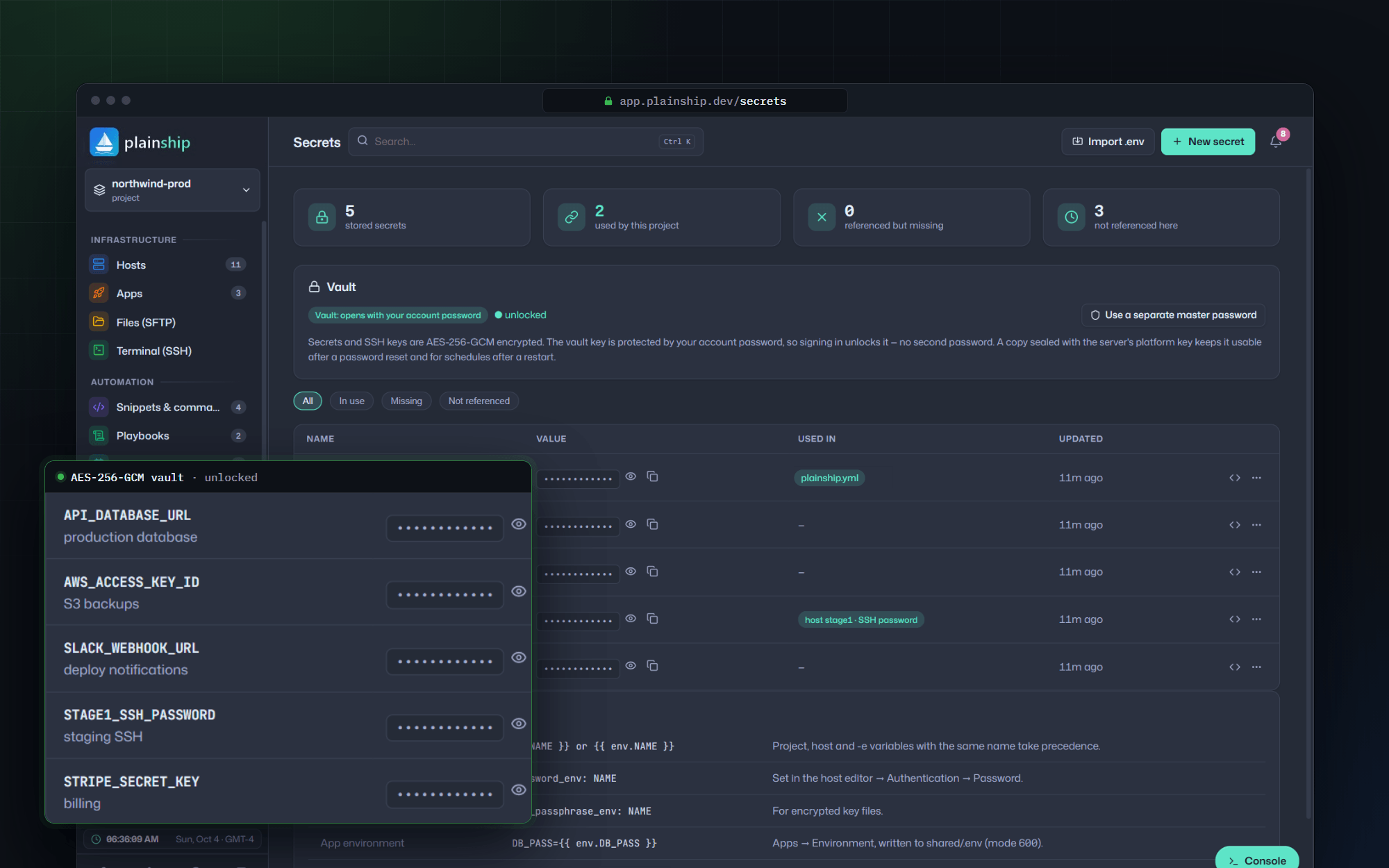
SSH keys, tokens and .env files are sealed with AES-256-GCM. Jobs receive them as environment variables, so they never appear in a command line or a log.
Step 03
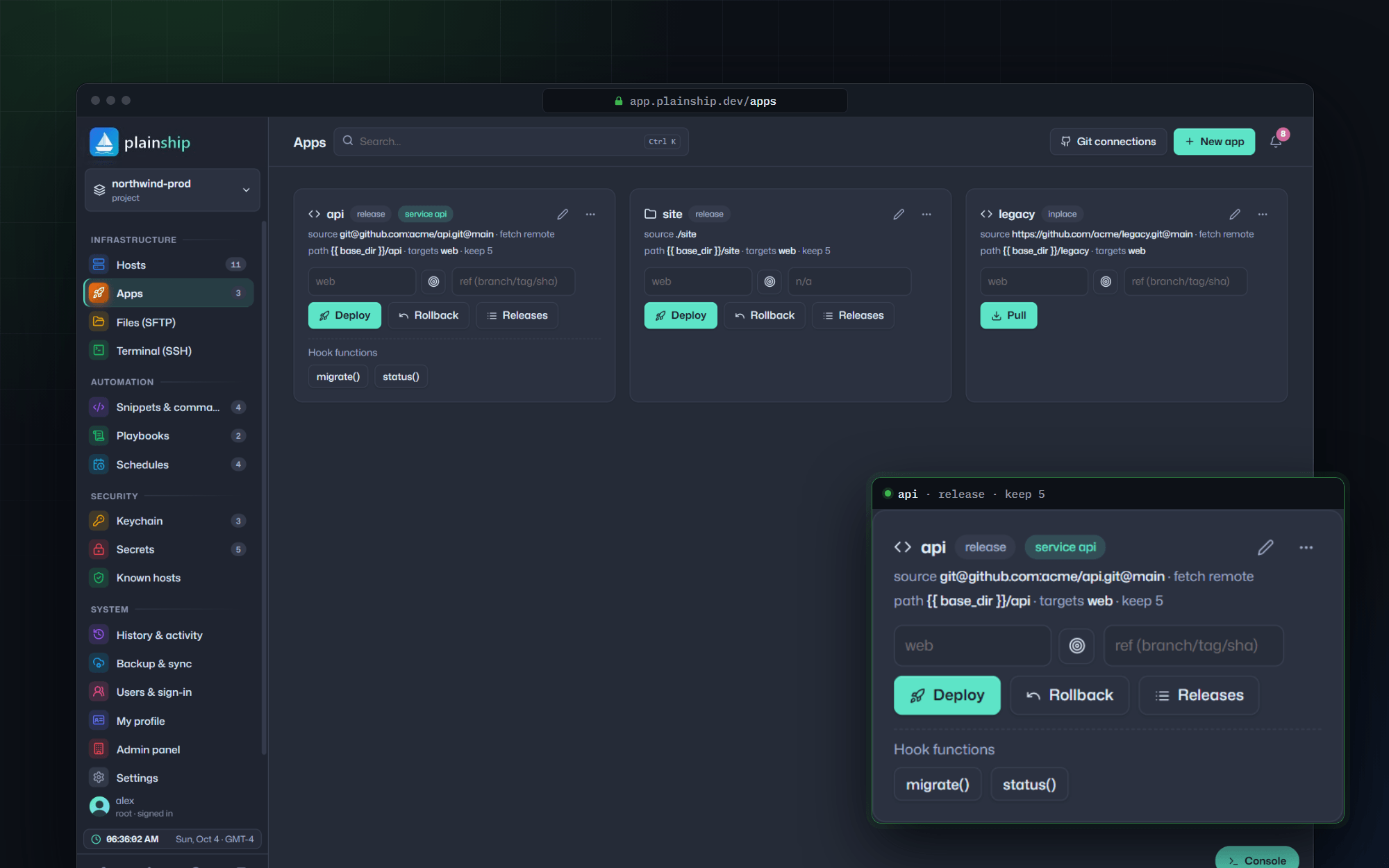
Point an app at a Git repo or a folder. PlainShip builds into a new release directory, links shared files, runs the healthcheck and only then switches the current symlink.
Step 04
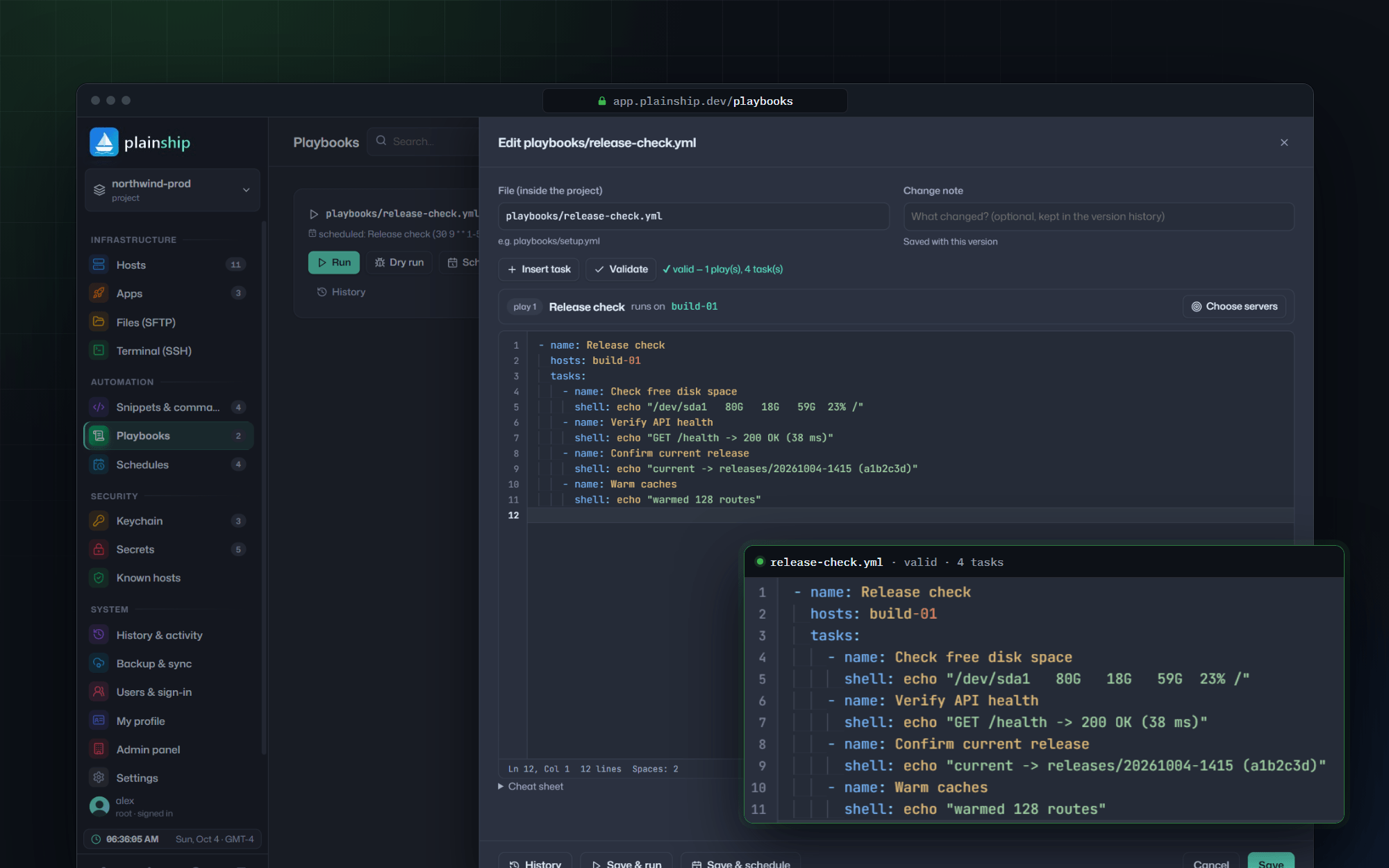
Turn runbooks into readable YAML playbooks. Dry-run them first, then apply to one host or a whole group and read exactly what changed.
Step 05
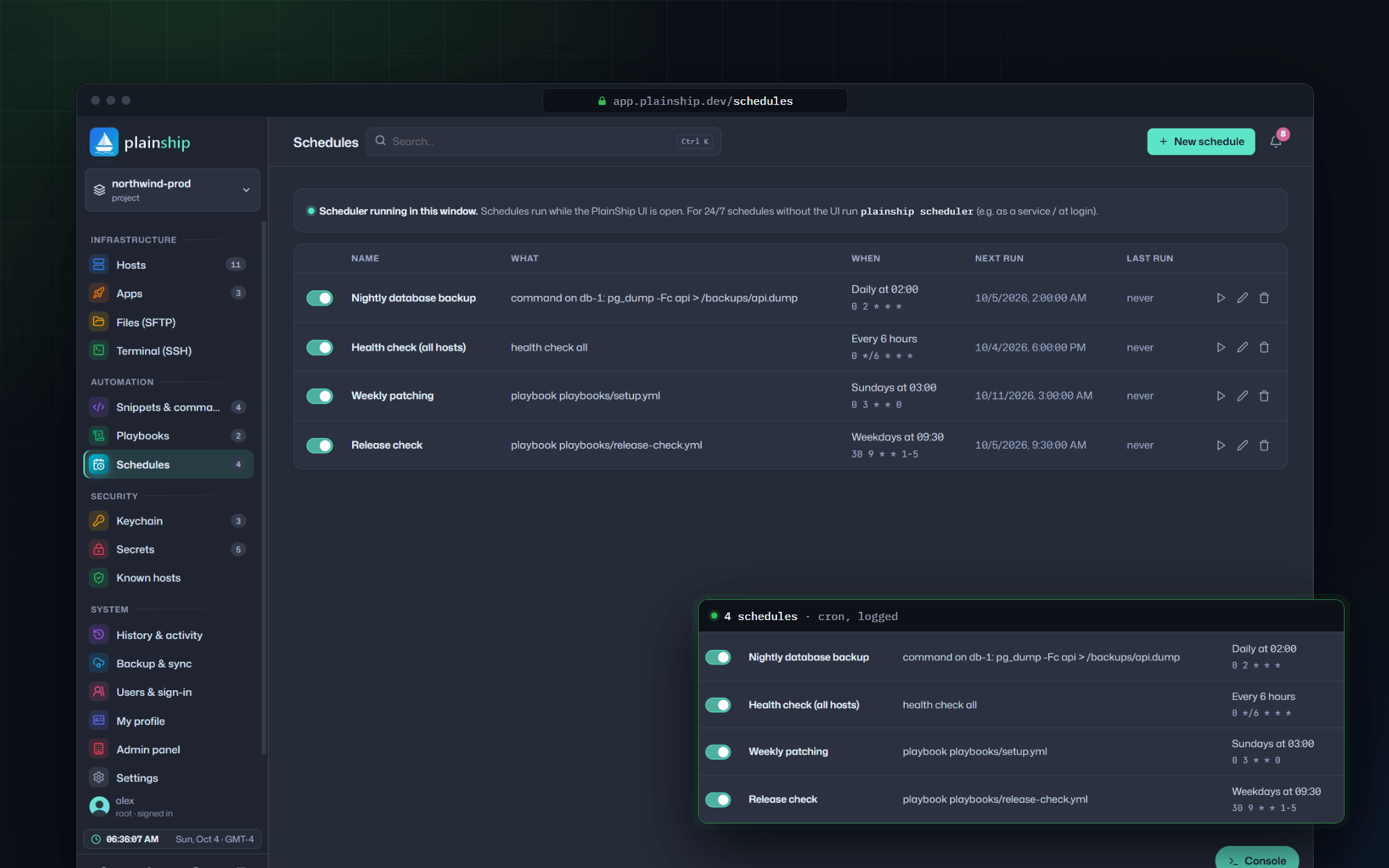
Put deploys, scripts and checks on a cron schedule. Every run is logged, and failures reach Slack instead of a mailbox nobody reads.
On the server
Each job opens an SSH session, runs bash with secrets passed as environment variables, streams the output back and closes. The server keeps nothing from PlainShip but your release folders.
Security details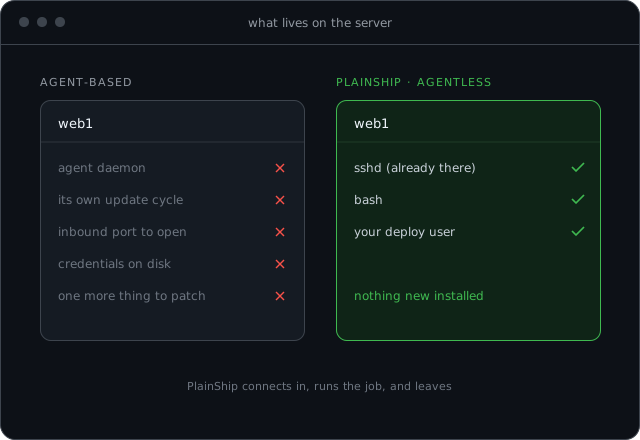
Requirements
PlainShip connects to your servers over standard SSH and runs small bash scripts. Nothing is installed on the server — no Docker agent, no daemon to update, monitor or secure.
No. Target servers only need SSH access and bash. Git, systemd and sudo are used when a job asks for them. PlainShip itself is the hosted dashboard at app.plainship.dev.
No. PlainShip is a cloud (SaaS) application only, at app.plainship.dev. There is no self-hosted edition, download or CLI to install — sign in from the browser or the mobile app.
Coolify is strong when you want containers and a PaaS-style stack. PlainShip is for SSH and VMs: atomic releases, playbooks, a browser terminal and a vault — without putting an agent on the host. Read the Coolify comparison for details.