


Dual-pane SFTP
Browse local and remote side by side. Rename, chmod, edit and delete without leaving the page.
Features
Deployments, a browser terminal, playbooks, schedules, files and a vault — all over SSH, all in one place.
Deployments
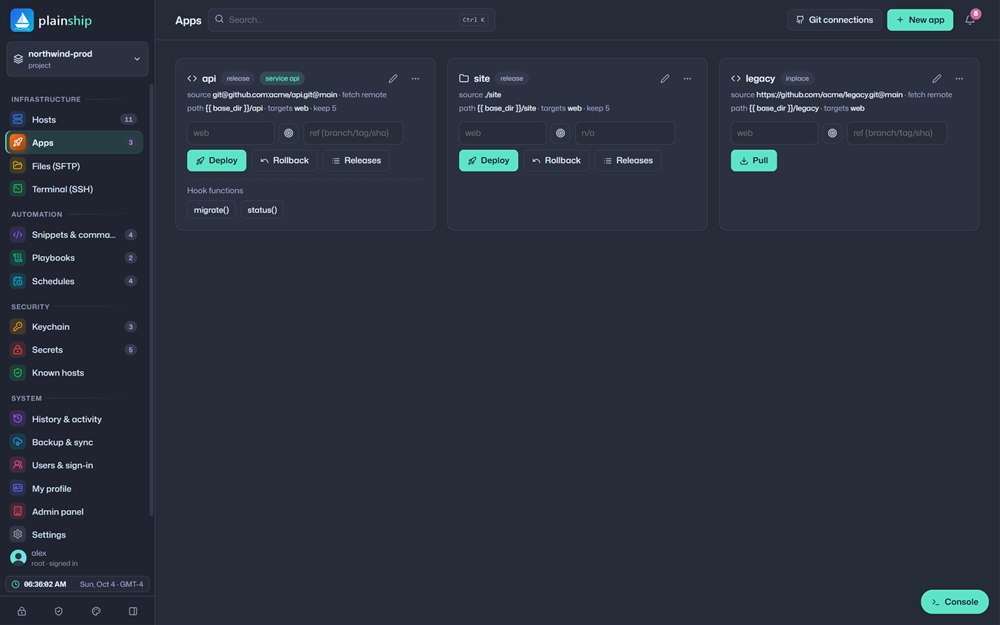
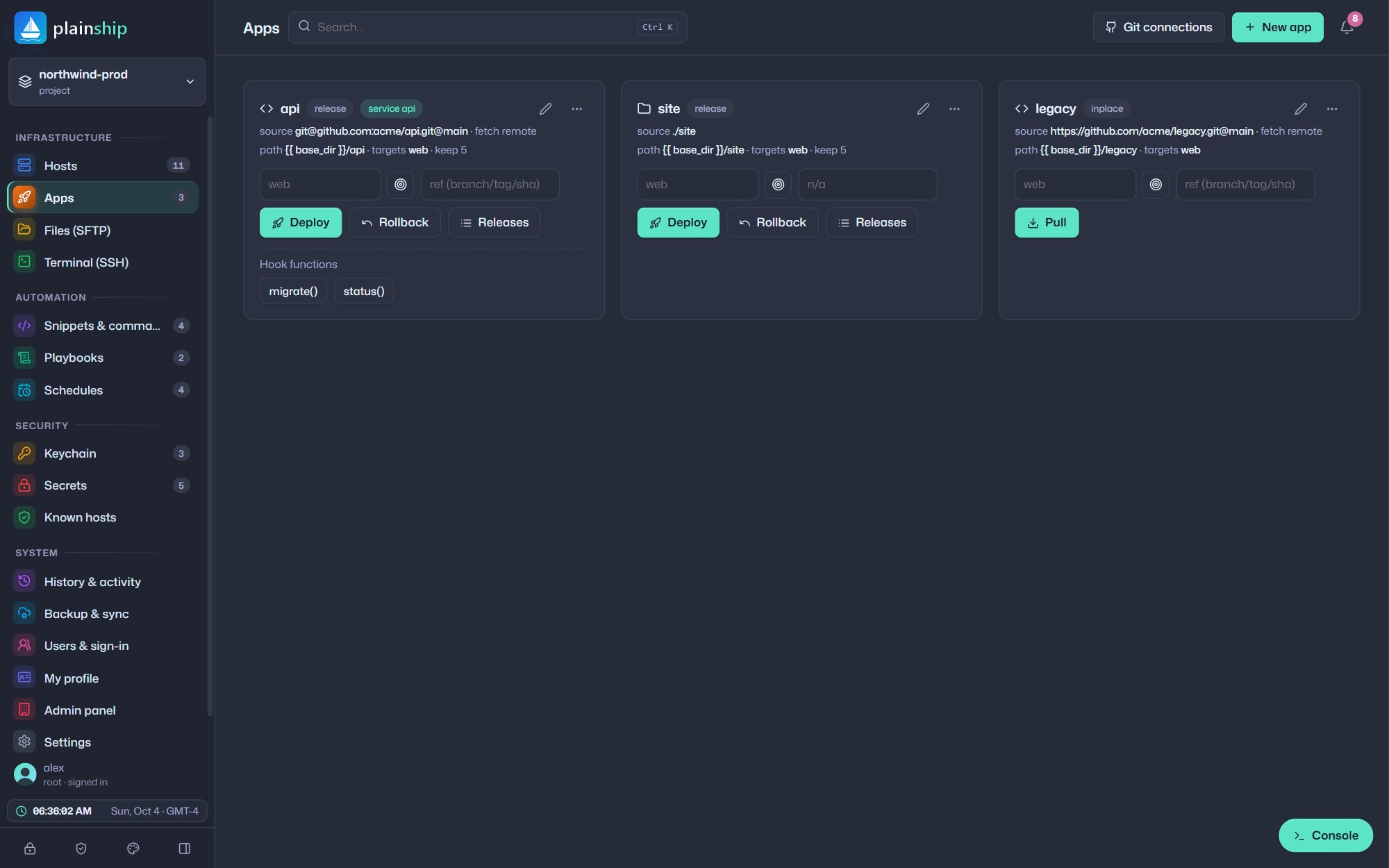
Deploy from Git or a local folder. Each release gets its own directory, and a single symlink switch makes it live — so users never see a half-finished update.
SSH terminal
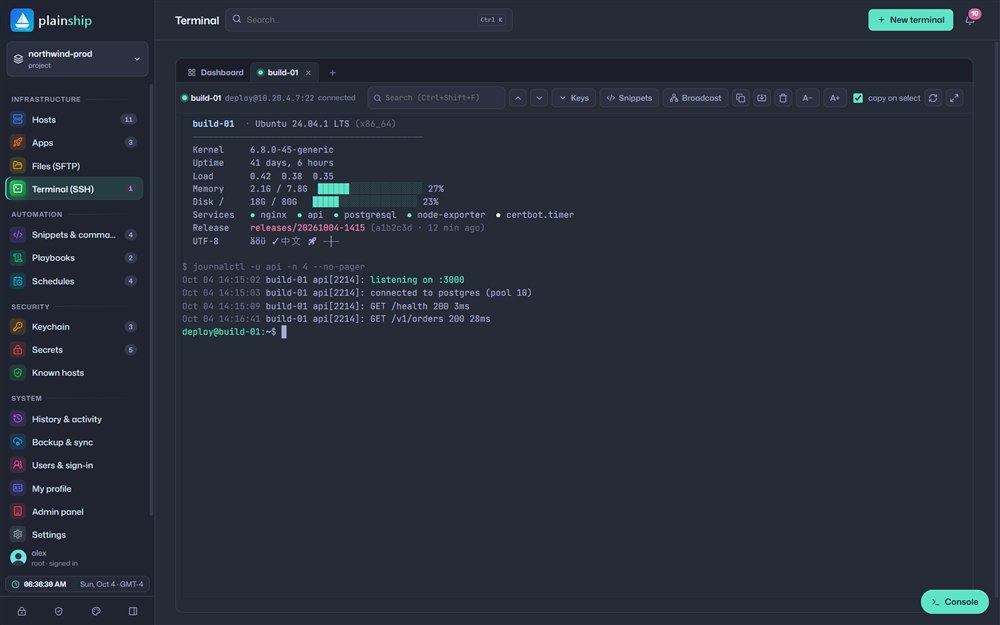
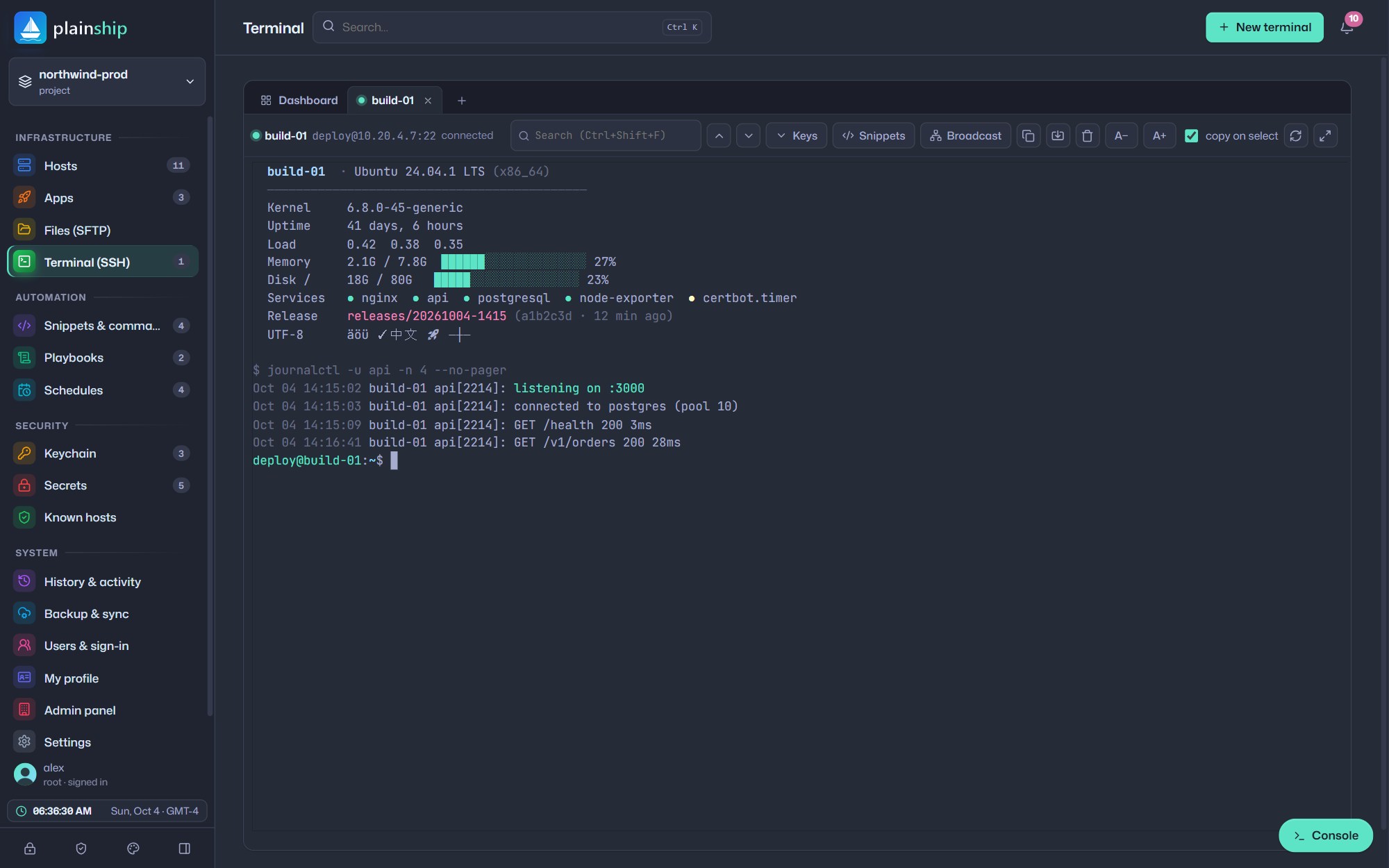
Open a real interactive terminal with one click. Colours, mouse support and full-screen tools like htop, vim and tmux all work as expected.
Playbooks & scripts
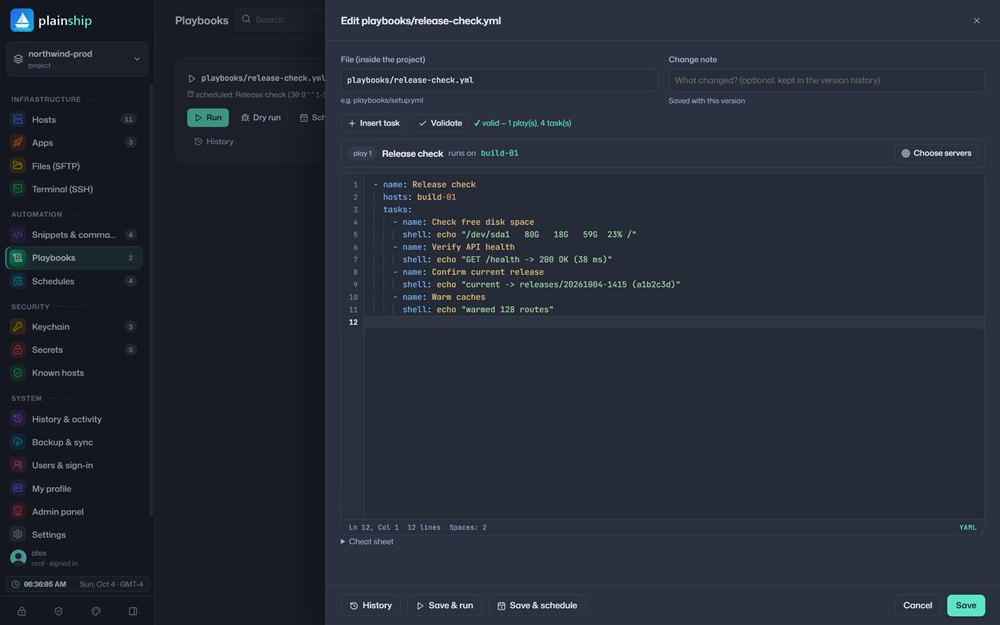
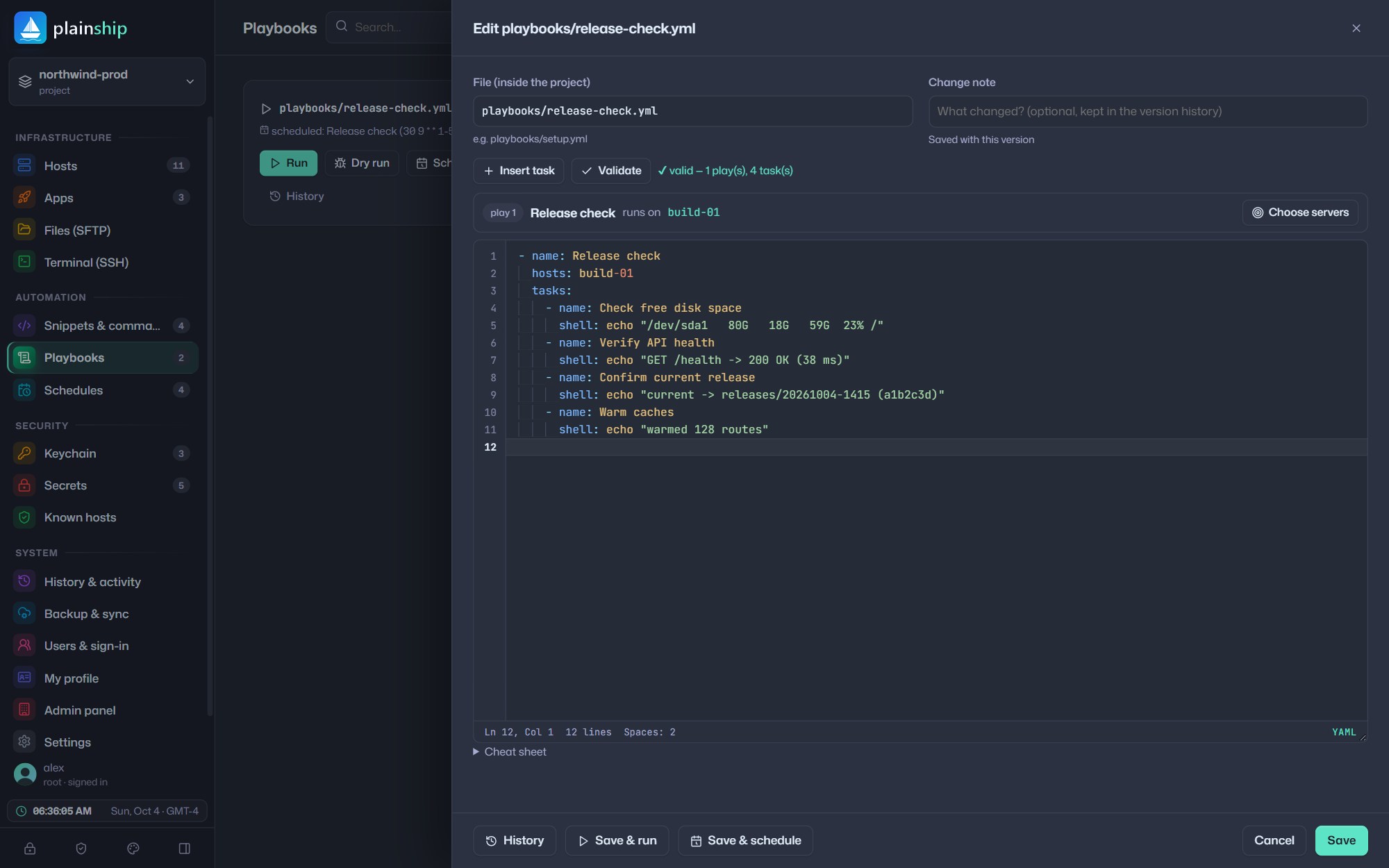
If you know Ansible, you already know PlainShip playbooks. Validate as you type, try a dry run, then save and schedule — every change is versioned.
Schedules Pro
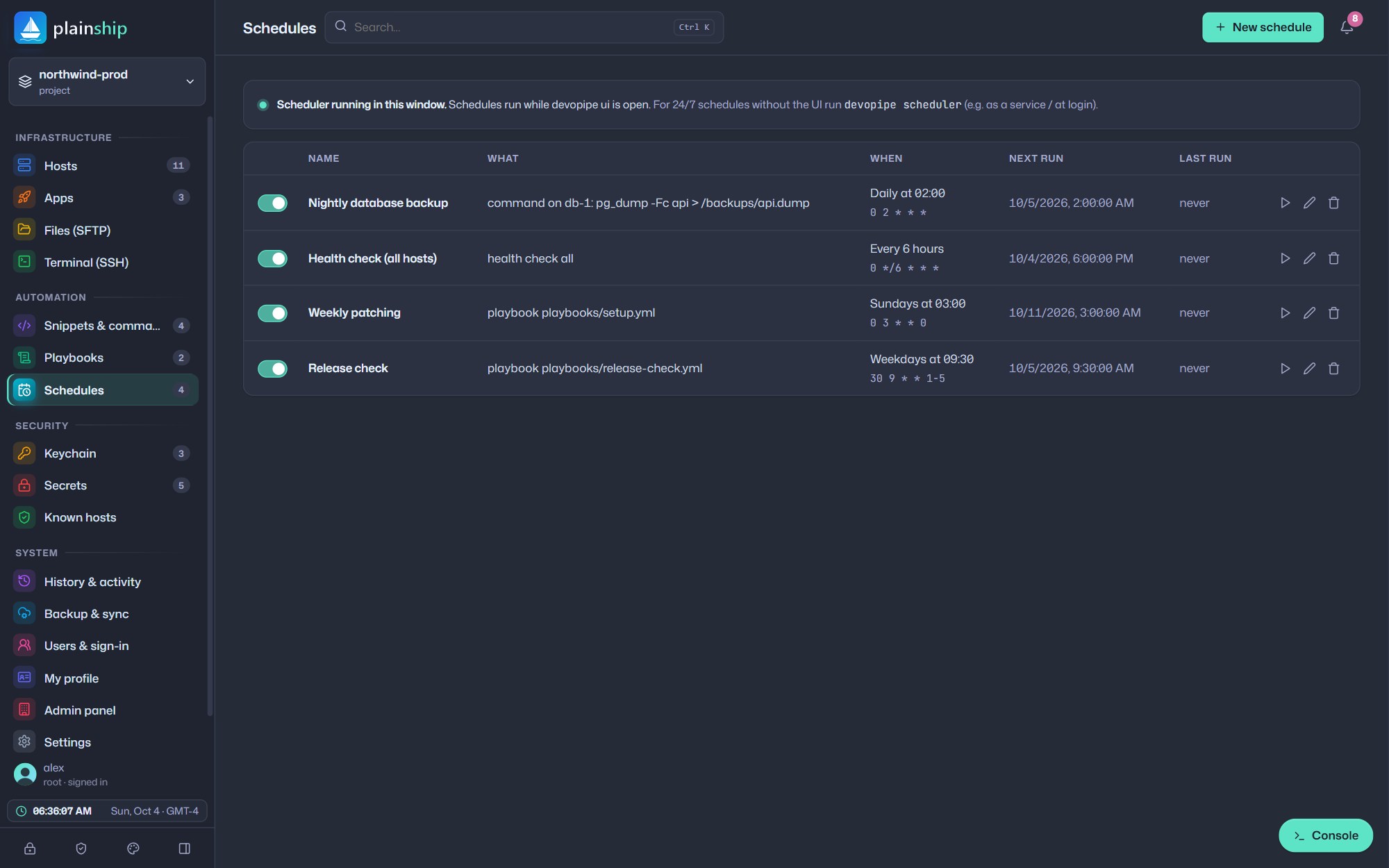
Run commands, scripts, playbooks, deploys or health checks on a schedule. Pick a preset or write a cron expression and preview the next runs before you save.
Console & insights
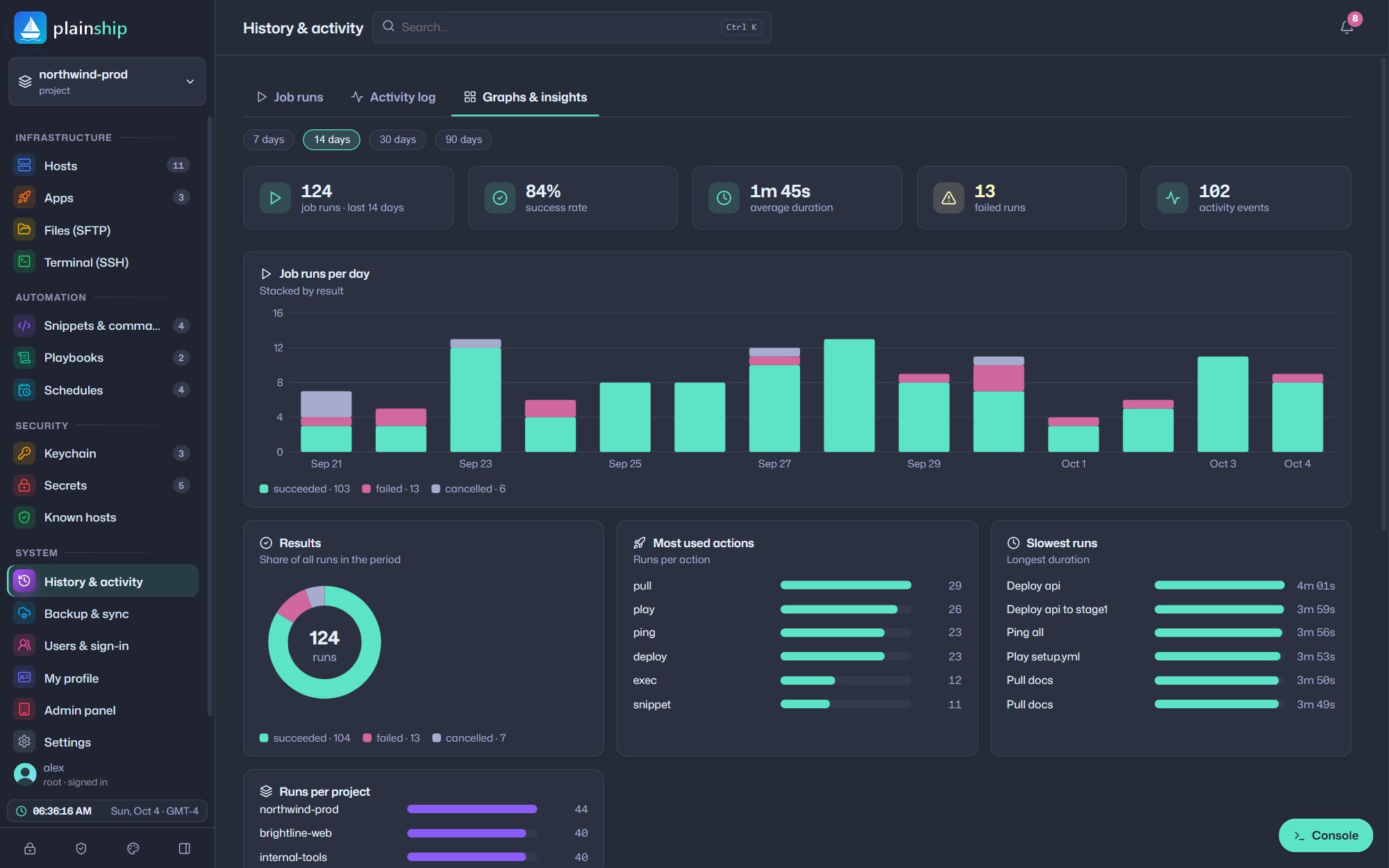
Output streams live into a searchable console. Afterwards, every job is saved in history, and insights show success rates, slow runs and trends.
Teams
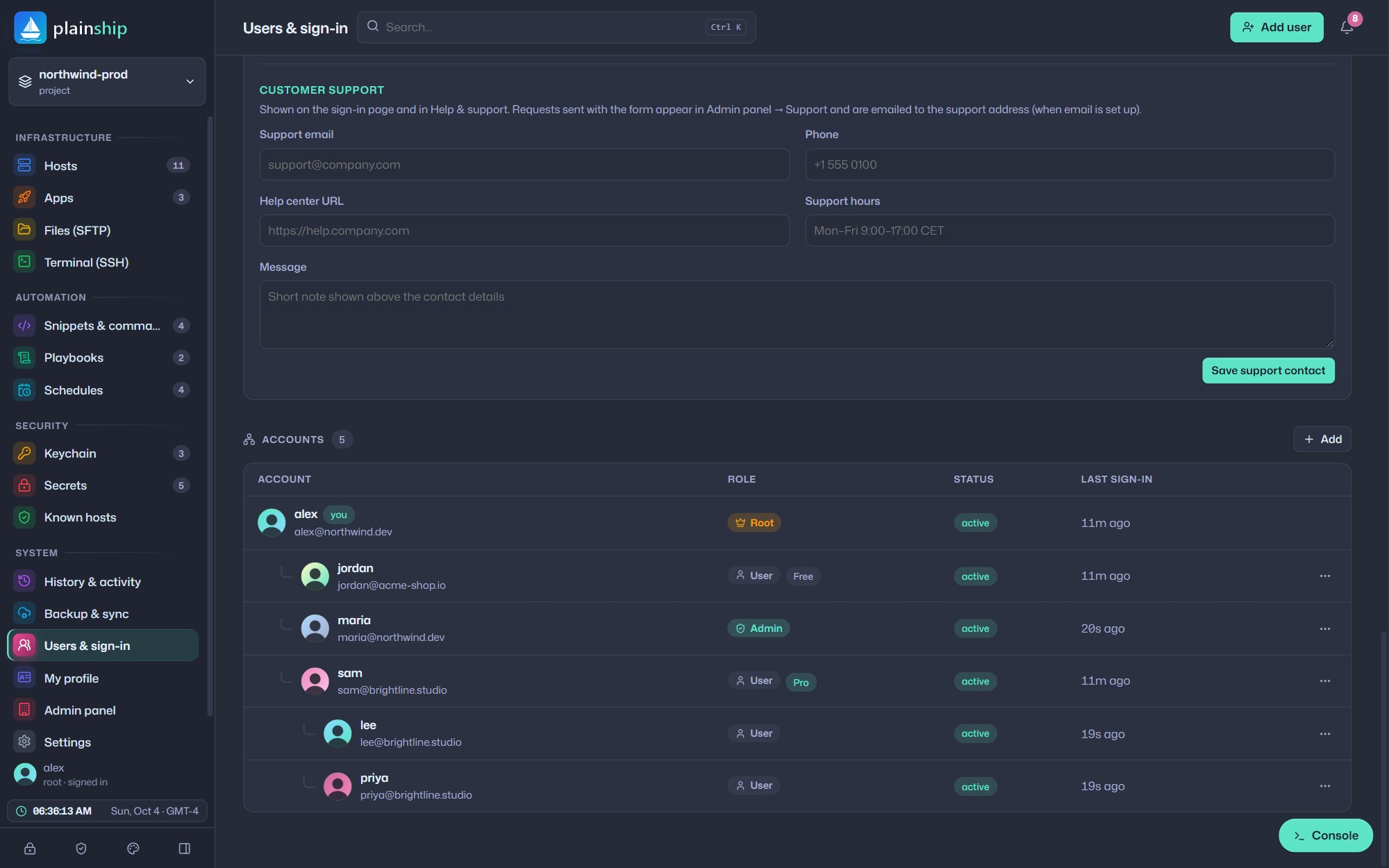
Invite your team into an organization. Each person signs in with their own account, and you decide who can operate, edit or only view a project.
Files & data
A dual-pane SFTP browser, drag-and-drop uploads and folder downloads — plus upload and download steps inside your playbooks.
Browse local and remote side by side. Rename, chmod, edit and delete without leaving the page.
Upload folders by drag and drop and download them as compressed tar.gz streams with progress.
Transfer data directly between hosts, even through a jump host, without touching your laptop.
Open repositories, branches and files from any connected Git provider in a read-only viewer.
Generate Ed25519, RSA or ECDSA keys and install them on hosts with one click, like ssh-copy-id.
Press Ctrl+K to jump to any host, script, playbook or action in a few keystrokes.
Run anywhere
Sign up at app.plainship.dev and start in seconds. Prefer your own infrastructure? PlainShip is a single folder you can host on a subdomain behind nginx or Apache, or carry on a USB stick.